

Download Software Applications & Instructions of Use
Please read this carefully. You can now pay a fixed term subscription for usage of All Software On the Site Without restrictions with Exception of EpsilonCommuniquChurra according to regulations for a period of a maximum of 3 years. Provided you agree not to share the software at any given time with anybody else, but for your own usage.
If you are found to be sharing the software with anybody else you are infringing licensing copy right, and therefore will be charged as a penalty. You must agree to the terms of usage.
If you are found to be sharing the software with anybody else you are infringing licensing copy right, and therefore will be charged as a penalty. You must agree to the terms of usage.
Write A Review
Download Product
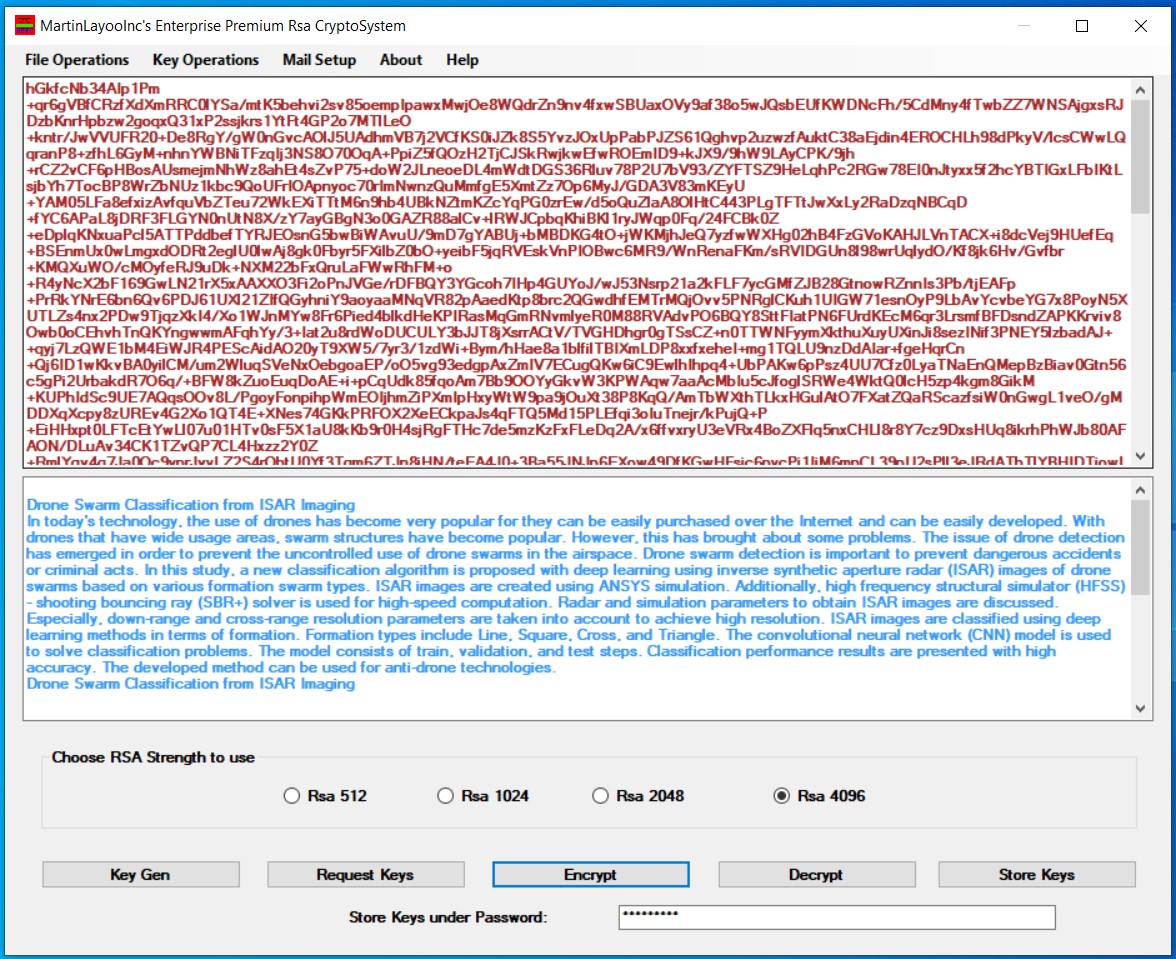
Epsilon Communique Churra 3.0
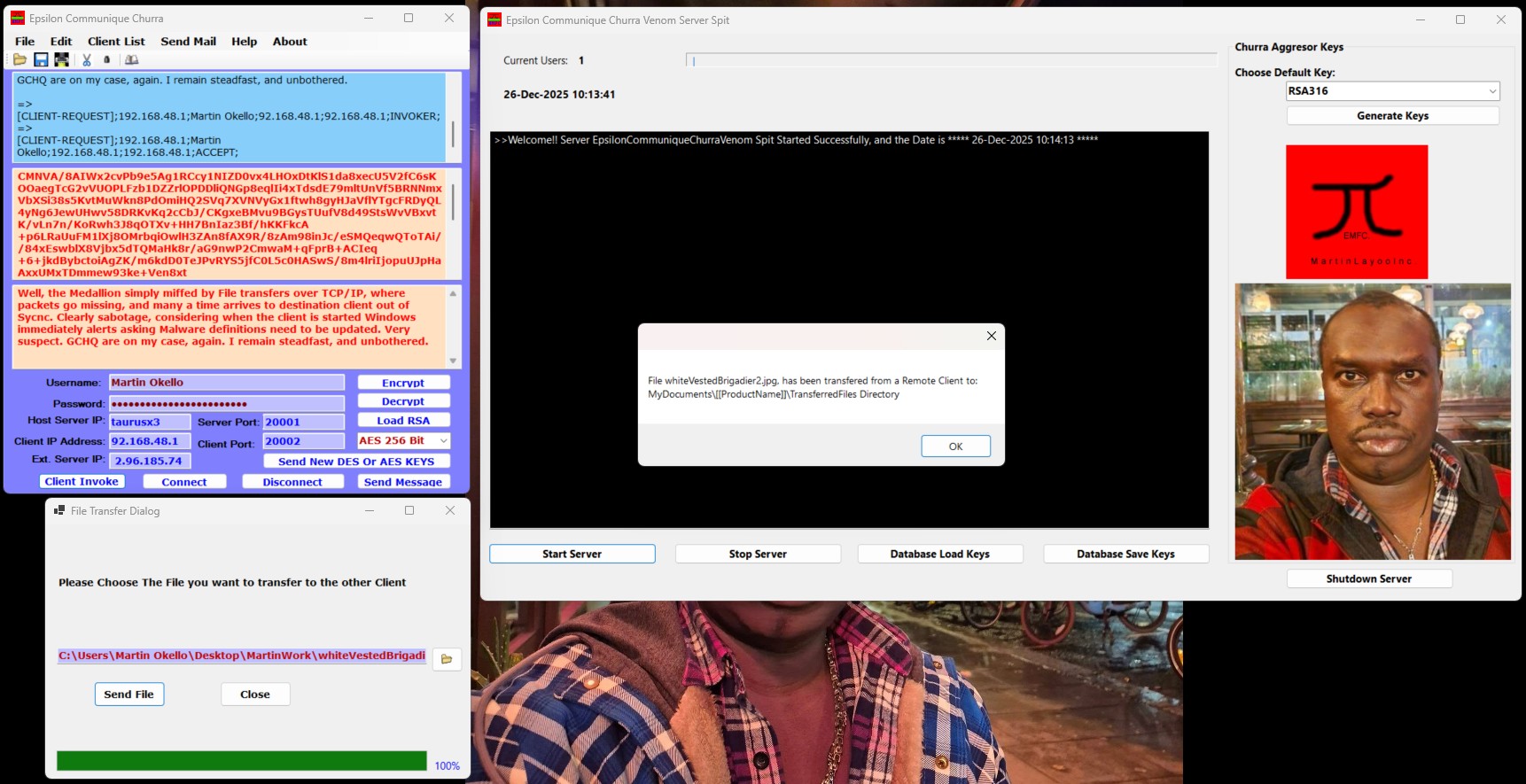
A Crucial Update, for Secruity Concerns. Log into each client App by copying and pasting your encrypted password from the Asp.net Portal, when using Epsilon Communique Churra Client Venom Spit!!
A Crucial Update for Secruity Concerns. Log into each client App by copying and pasting your encrypted password from the Asp.net Portal, when using Epsilon Communique Churra Client Venom Spit!
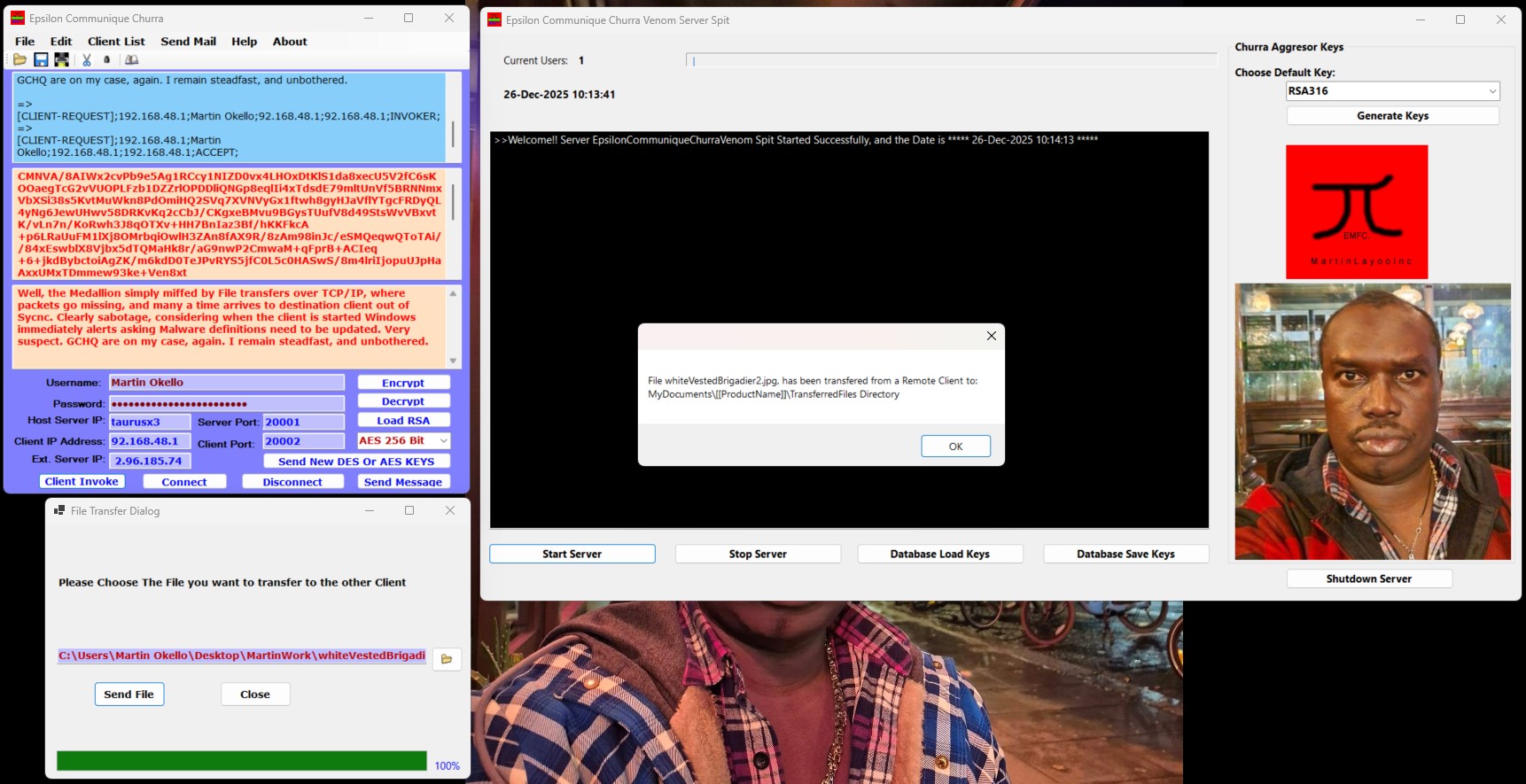
This is Epsilon Communique Churra Venom Spit (.NET Core 8 New Application), and doesn't fall to the realms of buy under Subscription, and therefore not downloadable here. Only downloadable when bought out right. You need to buy this product as it serves both Epsilon Communique Churra Venom Server Spit and Epsilon Communique Venom Spit Clients under a different Licensing scheme - not under Subscription Licensing Scheme. All new with unrivalled delivery of Client/Server Messaging Capabilities, here.
Download Product
Al Jazeera Latest News
Fleetwood to face Everton or Newcastle in last eight
League Two Fleetwood Town will face Everton or Newcastle United at Highbury in the quarter-finals of the EFL Cup.